
By Joey Wawzonek, Indiana University MLIS Student Volunteer
The United Farmers Historical Society holds over 7,000 photographs documenting the history of the United Farmers of Alberta (UFA) and those connected to it, dating back to the organisation’s founding in 1909. Many are already available digitally in our online archives, thanks to the persistent work of UFHS archivist Erin Hoar and a series of students and interns since 2020. Our goal is to ensure these images are digitally preserved for the long term, and to make them more accessible to researchers, UFA members and employees, and the public at large. Today, I’d like to walk you through what that process actually entails.
Why digitise?
The simple answers are accessibility and preservation. Photographs, even those produced within living memory, are intrinsically fragile. They fade, they degrade, they get damaged. As a physical object, photographs exist in a single place, and if something happens to it, that usually means it’s gone, especially for our older items. Digitisation gives us a reliable backup (though we call it a digital surrogate) that won’t degrade in the same way if given proper care. People are also more easily able to access the material and view it and use it, all without putting the original photographs at risk.
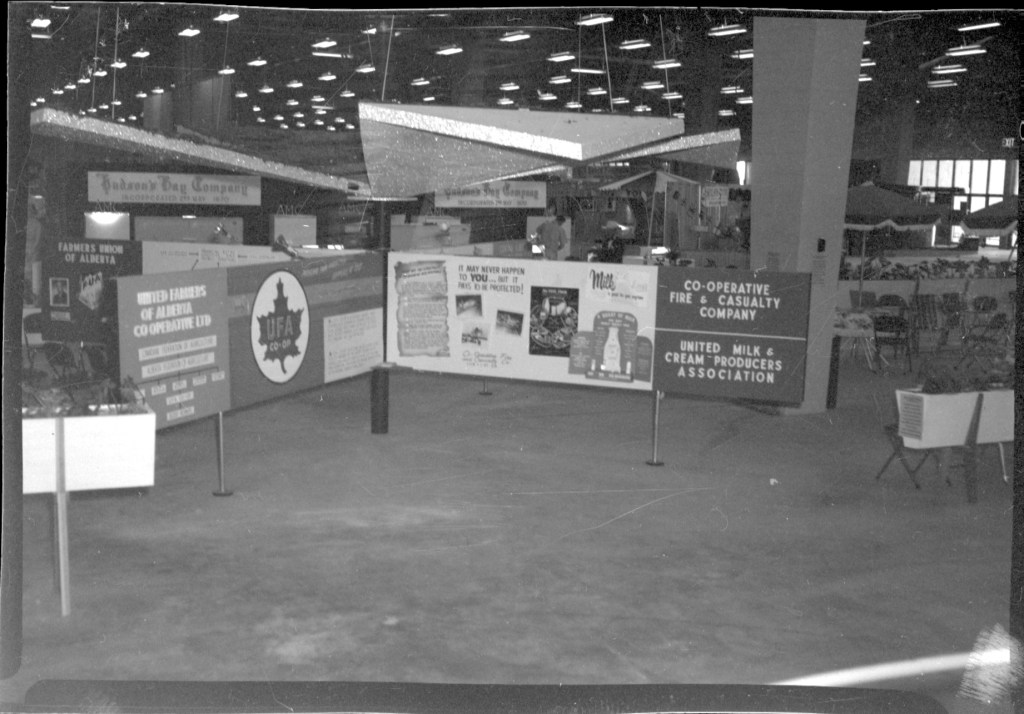
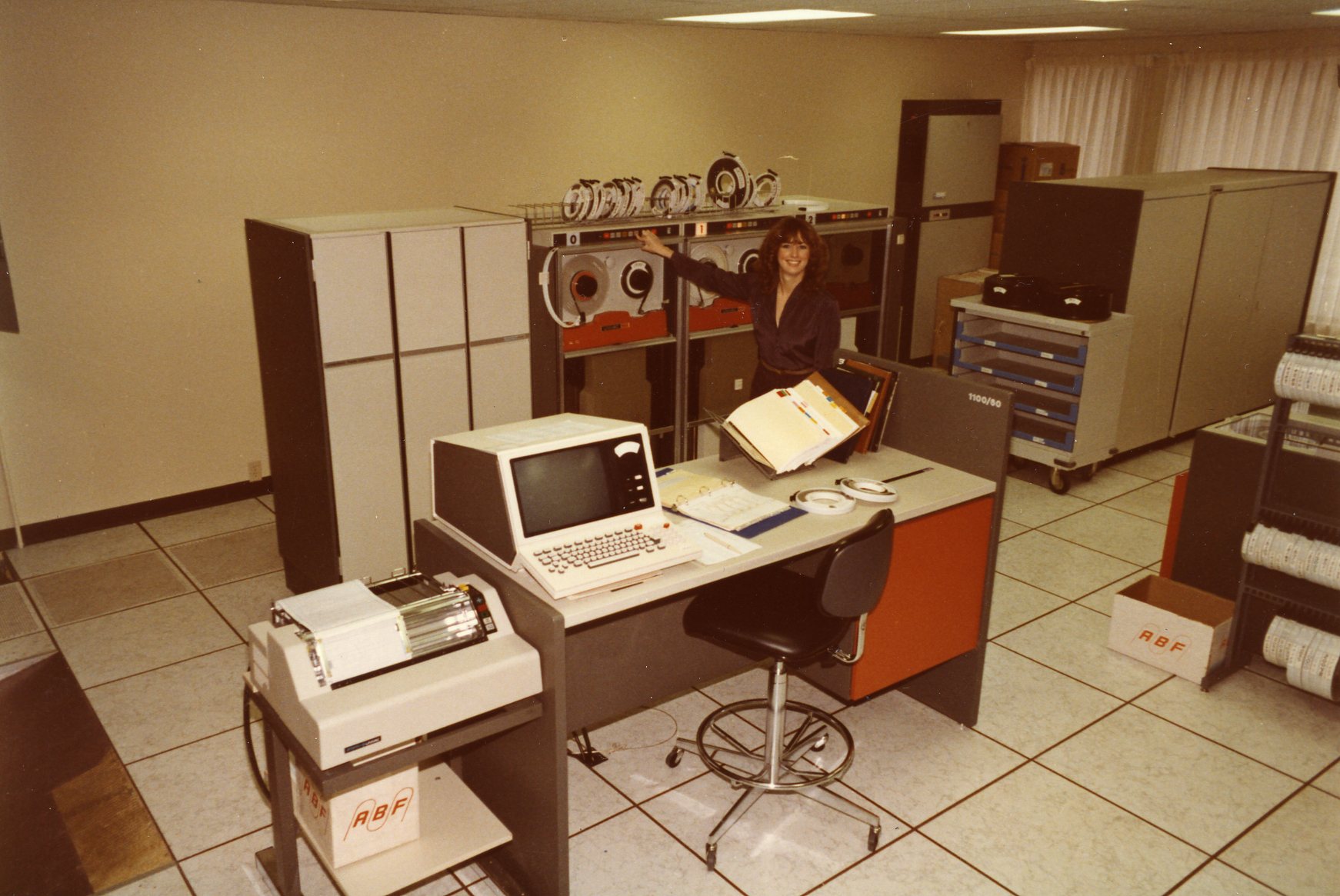
Over the years, UFHS has refined its approach to digitisation. Students and volunteers are only here for so long (and have so many other things to do and learn), and the UFHS archivist can’t always dedicate large amounts of time to something so vast in scope. Earlier rounds of digitisation have been done at a lower fidelity in order to at least get some digitised version made. For most purposes, these serve their function. The low resolution photos look good enough on social media, on our blog, or for quick reference. But ultimately, these items need to be scanned again at higher quality. Due to changing standards (and a desire to keep up with them), these images need to be digitised again.
Scanning
For our purposes, we use a flatbed scanner (an Epson Perfection V750 Pro) to capture each item. This is a fairly straightforward process, and is very reliable for photographic prints. The photograph is placed face down on the glass, the scanner captures an image of it, rinse and repeat. The capture process involves the scanner shining very, very bright lights directly onto the item, which can cause some degree of slight damage to the item. This, coupled with the physical handling of the object, are the key reasons why we want to digitise everything only once, and at a high enough fidelity that they will (hopefully) never need to be digitised again. To be specific, that means even if the lower fidelity capture is faster, it actually doubles the amount of work that has to be done to get a proper capture later. That means double the handling too!
With a high resolution scan, the detail of the original is preserved, making the digital file useful for viewing, publication, and reproduction. We can even capture slides and negatives to theoretically produce higher quality prints than may have been made at the time the photos were taken! For our purposes, a high resolution scan is one captured at 600DPI, meaning every physical inch is 600 pixels. A low resolution scan is done at 300DPI or lower. Doubling the resolution/DPI translates to a quadrupling of the time to scan, and in turn a quadrupling of its file size. While 600DPI is well worth the investment, going beyond it offers diminishing returns for photographic prints.
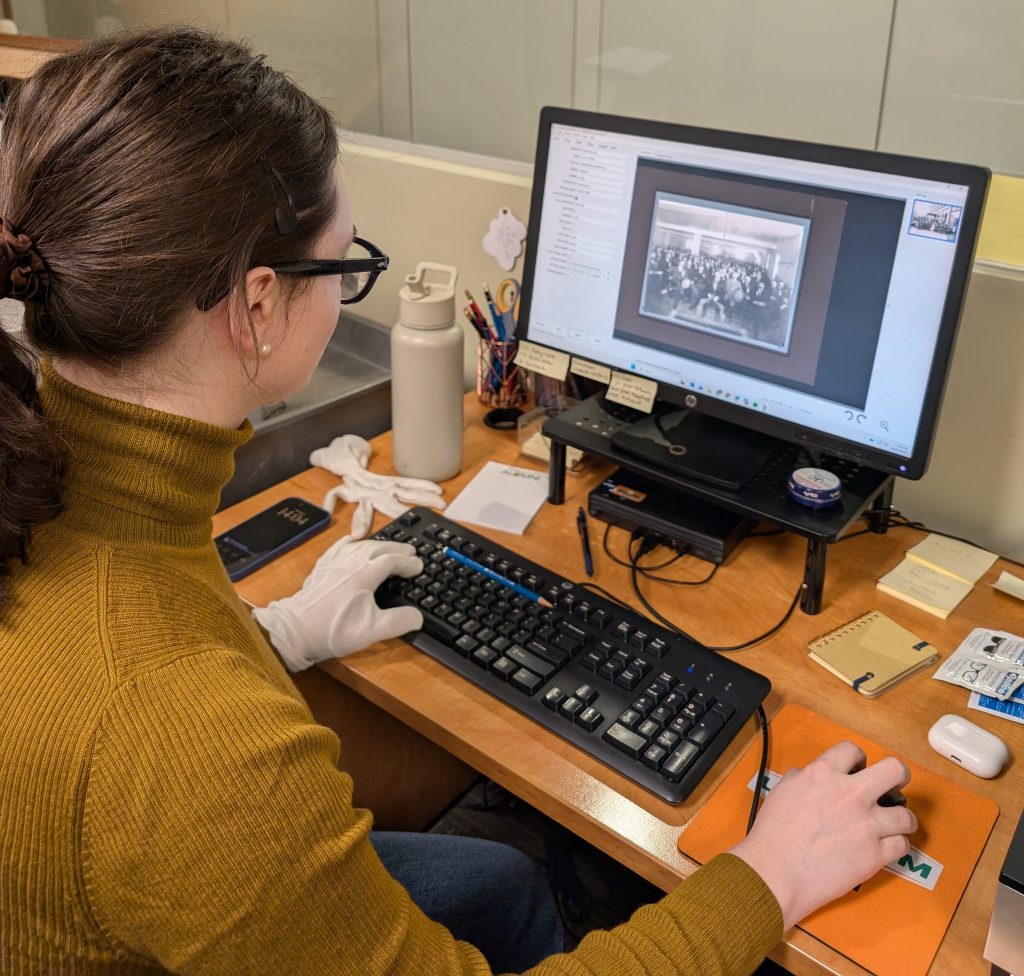
The process of scanning is surprisingly slow, slower than most people expect. Photographs in particular need to be handled with care, meaning we’re putting on and taking off cotton gloves constantly. The photos need to be positioned with care on the scanner and then checked during and after scanning to make sure the capture is clean and accurate. If there’s a speck of dust or hair in our capture, we must clean the photograph and scanning bed and capture the image again. It isn’t quite as simple as feeding a stack of photos through a copy machine. Every image gets and needs individual attention.
Processing
Our guiding principle for processing is simple: the digital image should match the physical as closely as possible. We are not trying to (nor is it our role to) enhance or alter these photographs. If users of these images wish to do so themselves, they can on their own within reason.
Our current workflow handles most processing needs automatically. We define an area around our items before capture (we want a slight border around the items in case we later crop the image too much), deskew them within software, and ensure that no colour correction is applied. This year we’ve been using a software suite called VueScan which provides us direct access to the scanner’s sensors and functions. This is crucial because the software provided by scanner manufacturers often applies its own processing to captures even when those options are supposedly disabled. VueScan also lets us automatically generate a lower resolution version of our 600DPI captures, saving us from having to do the work ourselves. These lower resolution copies are used for display in our database to save bandwidth and storage space.
Cataloguing
A photograph without context is of little use to anyone. After capture, each photograph is catalogued in our internal tracking systems for easier addition to our database. Every archive uses its own database software. The United Farmers Historical Society uses InMagic DB/TextWorks which is hosted online by Andornot. We internally log the resolution and any additional notes for future reference. Thankfully most of the additional context was already logged when we first accessioned, arranged, and described the physical item! After that, we ensure our images are in the correct location in our network, and copy our file path into our database software for updating. This step is quicker when we have done most of the work with these items prior to digitisation.
Storage and Access
Our finished files are stored on the UFA’s network drive to ensure a copy is kept on hand, as well as uploaded to our database so those outside the network can find and view them. The combination of local network and online storage means our collection is backed up and stays accessible.
How You Can Help
Hopefully this has helped illuminate the how and why of digitisation at the UFHS Archives. As a practice which is seemingly innocuous and happens in every office around the world, it can be very easy for people to assume the same principles apply to archives. We wish it was as simple, easy, and fast! For better or worse, archival work is much more involved than it seems from the outside, but it’s all worth it for the benefit of those who use our materials.
If you want to further our mission, please consider donating records related to the UFA to us by getting in touch with the archivist at Archives@UFA.com. You can also help us tremendously by identifying unknown figures, locations, and events in our photo collection. If you have any information to make our descriptions of our photo collection more complete, please get in touch.
Please look forward to a future post going over the question posed to archivists the world over, “Why not digitise everything?”


Hello Joey,
Thank you for your service and for sharing this update relative to the digitization of the photos and archived documents of UFA.
It was an honour to serve the Members at UFA for 33/years and retired in 2024.
I made a lot of friends and have stayed in contact with a few.
Stay safe.
Perry Haubrich (1990~2024).
LikeLike
Thank you so much for sharing this Perry! If you are ever interested in donating records that highlight your career with UFA, please get in touch with us at archives@ufa.com
LikeLike